A quiet cue in your ear when you lose your place
EarHint is a prompter for your ear. It follows your talk as you speak and whispers your next point through one earbud, only when you need it. No notes, no screen, and nobody else hears it.
Free to try on iPhone. iOS 17 or later.
How it works
Three steps from a written draft to a talk you give without reading.
-
Paste your draft
EarHint turns it into talking points. Edit them until they match how you think about the talk.
-
Rehearse
Put in one earbud and speak. See which points you covered and where you needed help.
-
Go live
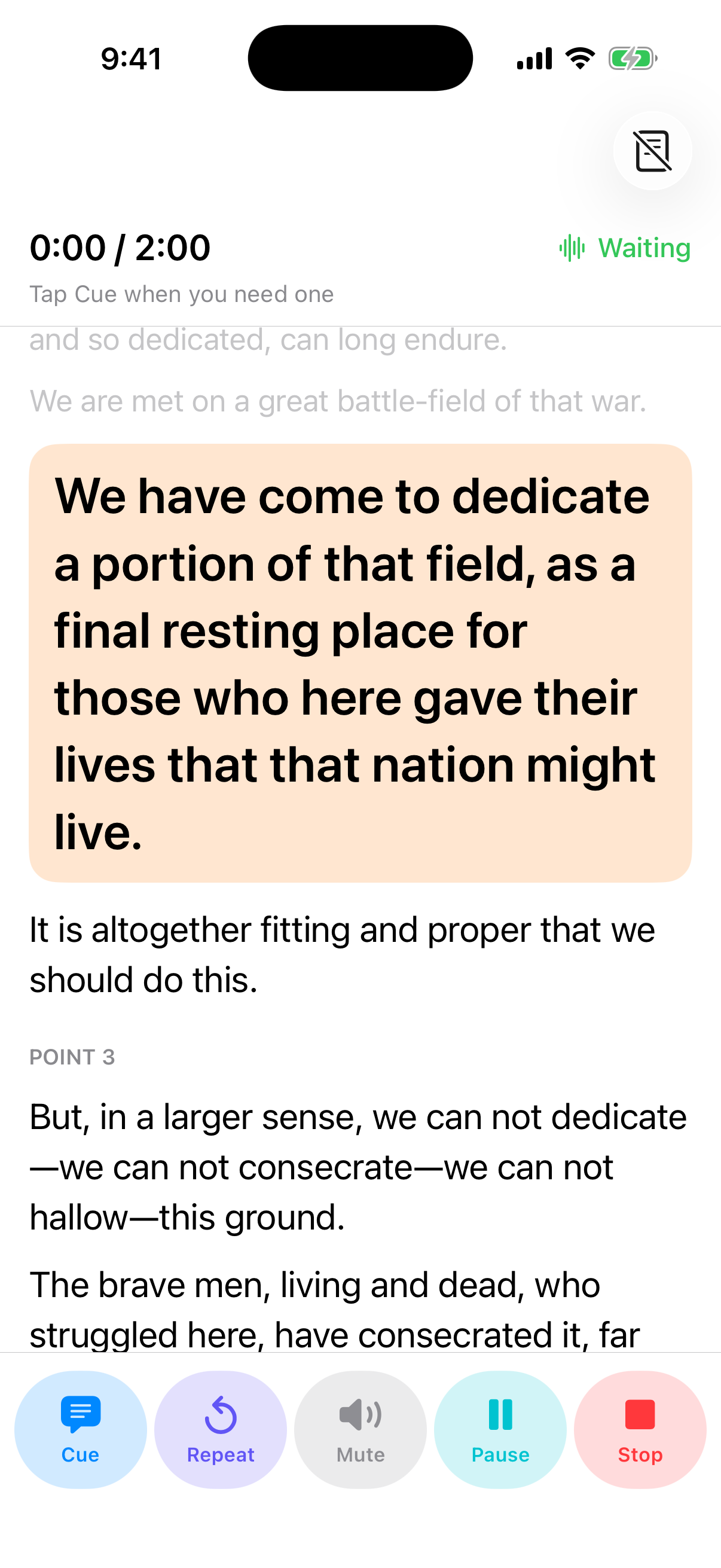
Lock your iPhone, put it in your pocket and give the talk. A cue is there if you stall.
Cues only when you need them
A voice in your ear the whole time would be worse than notes. EarHint stays silent while you are speaking.
- Ask your own way Record a small sound, such as two quick coughs. Or choose a phrase, hold a long “uh”, or tap the screen or your earbud.
- Or let it notice EarHint can cue you whenever you pause for longer than the time you set.
- Keywords first A few words are usually enough. If you are still stuck, you hear the next phrase of your draft. Ask again for the one after.
- Stay on track Optional reminders when you skip a point or run over time.
Rehearse, and see where you slip
Every rehearsal shows you what to work on before the real thing.
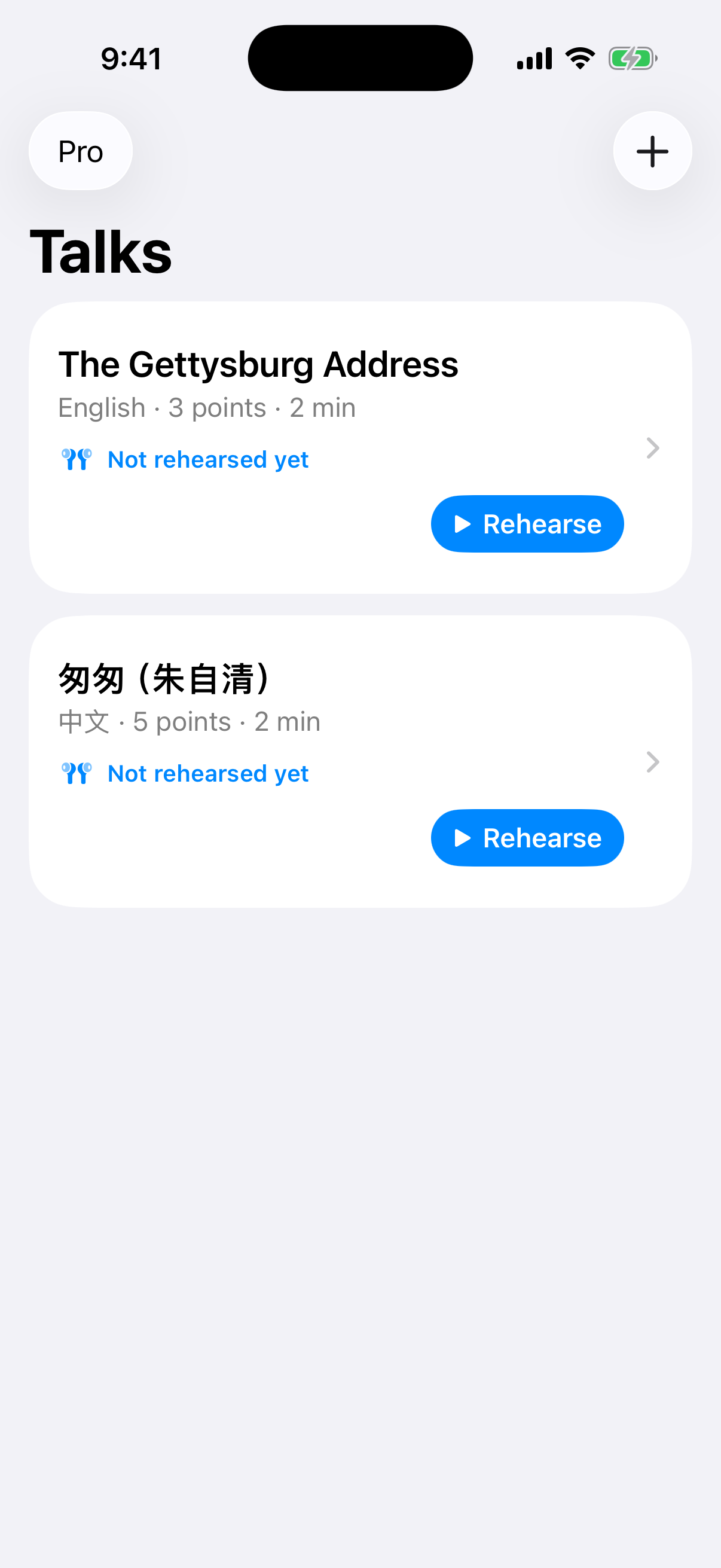
Replay any moment
Listen to your rehearsal and jump straight to a point, a cue or a line of the transcript.
Pace and fillers
See how fast you spoke, how many filler words you used and how long each point took.
Weak spots remembered
EarHint remembers where you stalled before and cues you sooner there next time.
Private by design
An app that listens to you should keep what it hears to itself.
Recognized on your iPhone
Your speech is turned into text on the phone. The audio is not sent anywhere.
Nothing uploaded
Drafts, recordings and transcripts stay on your phone. We never see them.
No account
Nothing to sign up for. Read the privacy policy, which is short.
Free to try. Pay once for Pro.
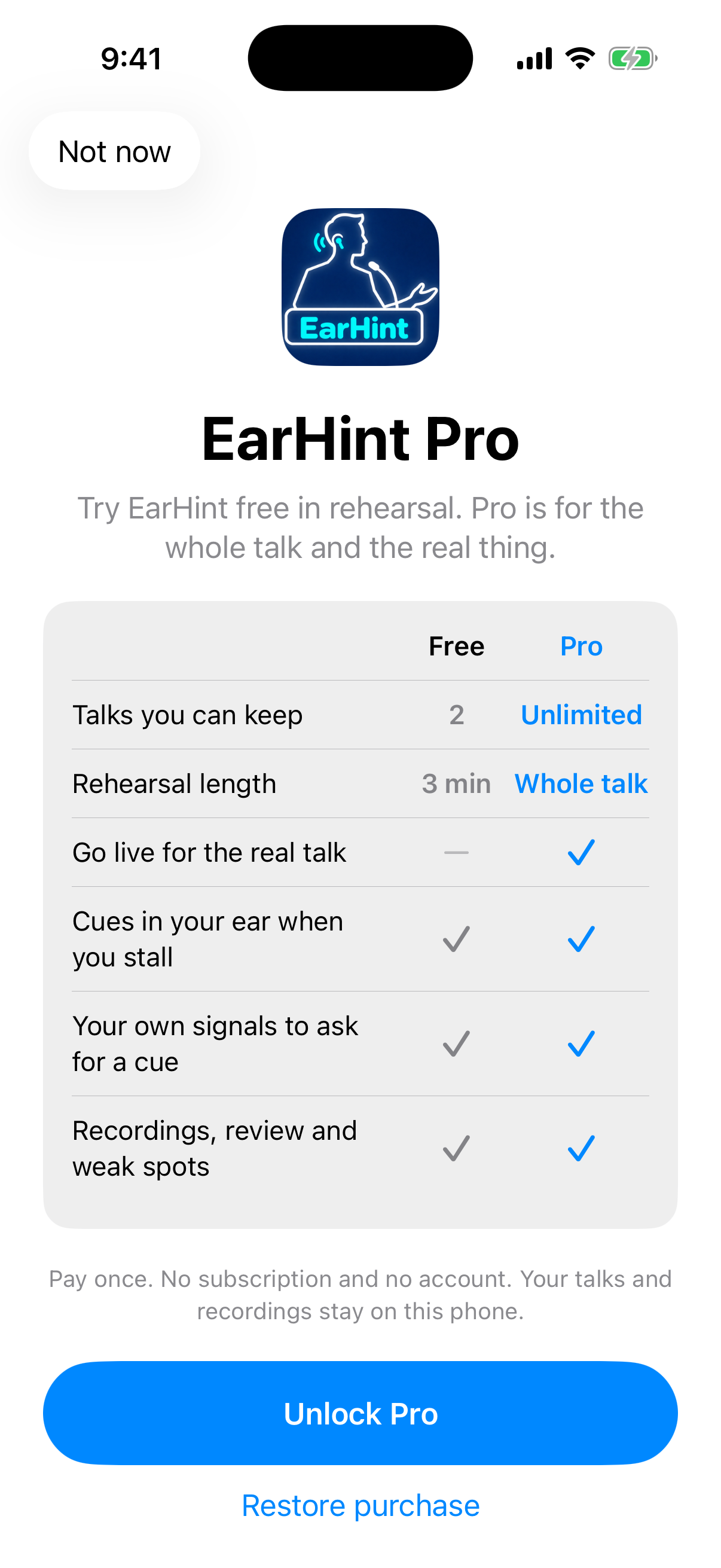
Rehearse free with up to 2 talks. EarHint Pro is a one-time purchase, with no subscription.
| Feature | Free | Pro |
|---|---|---|
| Talks you can keep | 2 | Unlimited |
| Rehearsal length | 3 minutes | Whole talk |
| Go live for the real talk | No | Yes |
| Cues in your ear when you stall | Yes | Yes |
| Your own signals to ask for a cue | Yes | Yes |
| Recordings, review and weak spots | Yes | Yes |
Questions
Can other people hear the cues?
No. Cues play quietly through one earbud. You set the volume in rehearsal, and you keep the other ear free to hear the room.
Does EarHint talk the whole time?
No. It stays silent while you are speaking. You hear a cue only when you ask for one, or when you pause for longer than the time you set.
Is my speech sent to a server?
No. Speech recognition runs on your iPhone. Your drafts, recordings and transcripts stay on your phone, and there is no account.
Which languages does it work in?
English and Chinese. You choose the language for each talk.
Can I use it during a phone or video call?
Not when the call is on the same iPhone, because iOS gives the microphone to the call. It works with two devices: take the call on a computer or another phone, and run EarHint on your iPhone beside you.
Is it a subscription?
No. EarHint is free for 2 talks and rehearsals of up to 3 minutes. EarHint Pro is a one-time purchase that adds Go live, rehearsals of any length and unlimited talks.
More answers on the support page.
Guides for speaking without notes
- How to Give a Speech Without Notes A practical method for speaking without notes or a script. Structure your talk as points, learn the path between them, and rehearse aloud until it holds.
- What to Do When Your Mind Goes Blank Mid-Talk Blanking during a presentation feels worse than it looks. Here is what to do in the moment, how to recover your place, and how to make it less likely.
- How to Rehearse a Presentation (and How Many Times) A rehearsal plan that works. What to practise in each run-through, how many times to rehearse, and how to use recordings to fix the parts that matter.
- Teleprompter, Earpiece or Memorising: Which Should You Use? Compare five ways to deliver a talk: reading a script, a teleprompter, notes, memorising and an earpiece prompter. What each is good for and where it fails.
Give your next talk without reading it
Free to try on iPhone. iOS 17 or later.